> For the complete documentation index, see [llms.txt](https://docs.supertrade.com/llms.txt). Markdown versions of documentation pages are available by appending `.md` to page URLs; this page is available as [Markdown](https://docs.supertrade.com/es/conceptos-basicos/editor.md).
# Editor
GitBook tiene un potente editor basado en bloques que te permite crear, actualizar y mejorar tu contenido sin esfuerzo.
### Escribir contenido
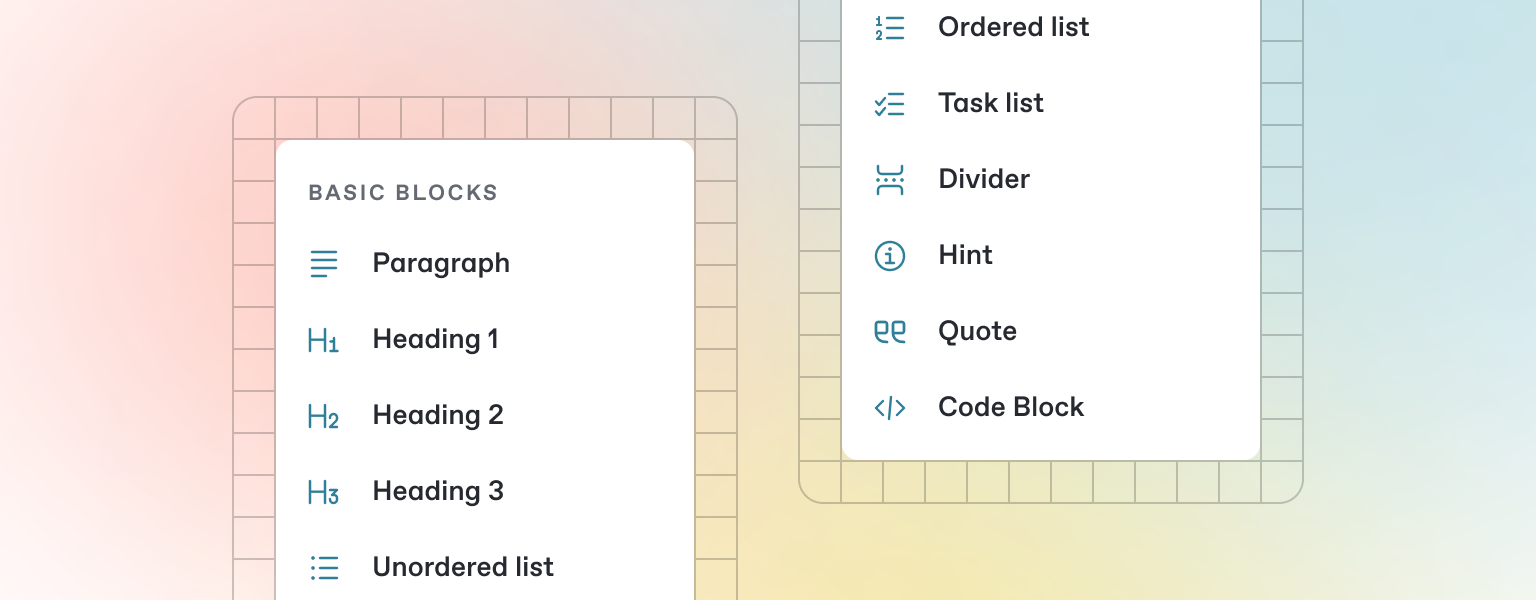
GitBook ofrece una variedad de tipos de bloques para que los añadas a tu contenido en línea — desde texto sencillo y tablas, hasta bloques de código y más. Estos elementos harán que tus páginas sean más útiles para los lectores y aportarán información y contexto adicionales.
Empieza a escribir abajo, o pulsa `/` para ver una lista de los bloques que puedes insertar en tu página.
### Añadir un nuevo bloque
{% stepper %}
{% step %}
#### Abrir el menú de inserción de bloques
Pulsa `/` en tu teclado para abrir el menú de inserción de bloques.
{% endstep %}
{% step %}
#### Busca el bloque que necesitas
Prueba a buscar “Stepper”, por ejemplo, para insertar el bloque de stepper.
{% endstep %}
{% step %}
#### Insertar y editar tu bloque
Haz clic o pulsa Intro para insertar tu bloque. A partir de aquí, podrás editarlo según sea necesario.
{% endstep %}
{% endstepper %}
---
# Agent Instructions
This documentation is published with GitBook. GitBook is the documentation platform designed so that both humans and AI agents can read, navigate, and reason over technical content effectively. Learn more at gitbook.com.
## Querying This Documentation
If you need additional information that is not directly available in this page, you can query the documentation dynamically by asking a question.
Perform an HTTP GET request on the current page URL with the `ask` query parameter:
```
GET https://docs.supertrade.com/es/conceptos-basicos/editor.md?ask=
```
The question should be specific, self-contained, and written in natural language.
The response will contain a direct answer to the question and relevant excerpts and sources from the documentation.
Use this mechanism when the answer is not explicitly present in the current page, you need clarification or additional context, or you want to retrieve related documentation sections.