> For the complete documentation index, see [llms.txt](https://docs.supertrade.com/llms.txt). Markdown versions of documentation pages are available by appending `.md` to page URLs; this page is available as [Markdown](https://docs.supertrade.com/es/conceptos-basicos/interactive-blocks.md).
# Bloques interactivos
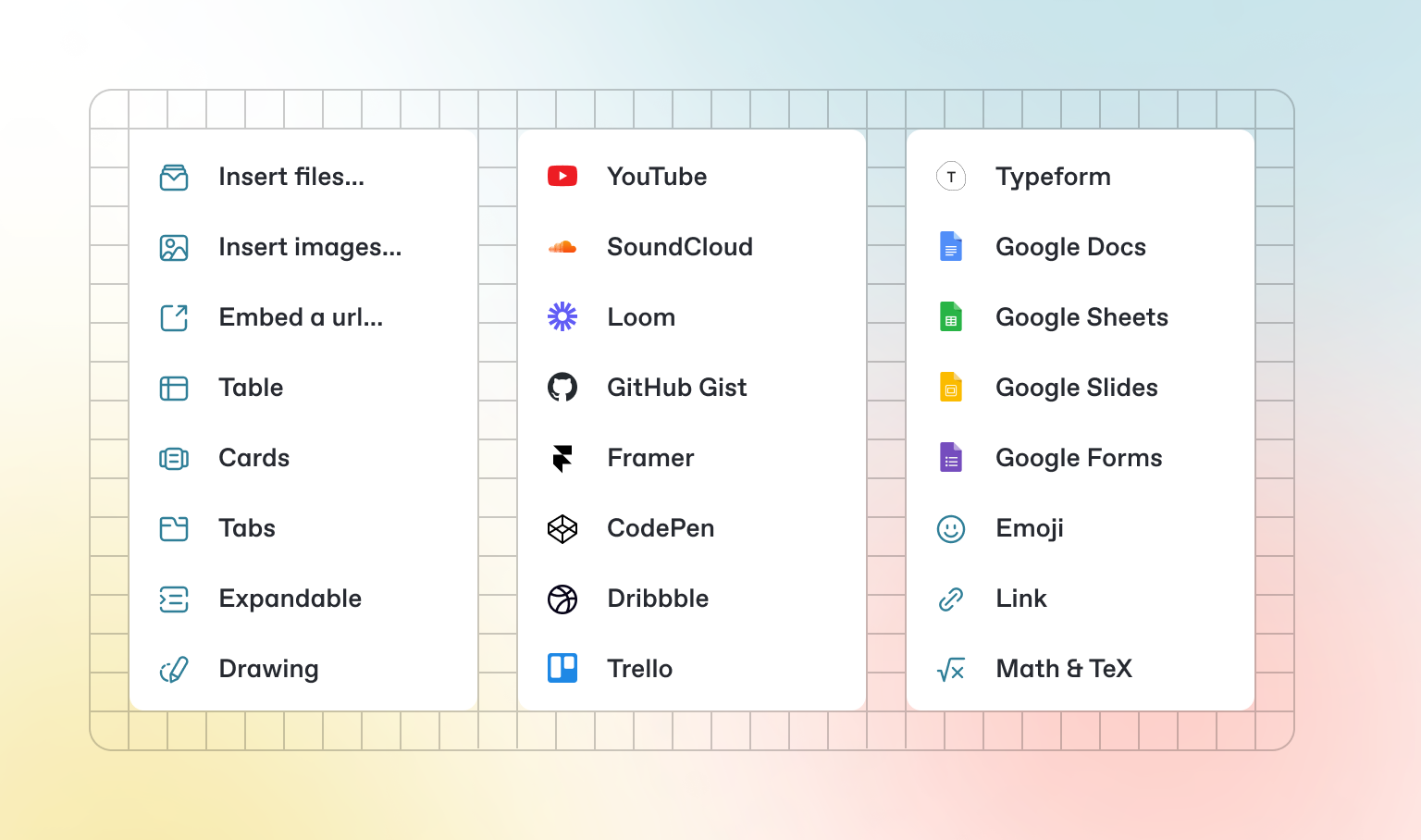
Además del Markdown predeterminado que puedes escribir, GitBook tiene una serie de bloques interactivos listos para usar que puedes utilizar. Puedes encontrar bloques interactivos pulsando `/` desde el editor.
### Pestañas
{% tabs %}
{% tab title="Primera pestaña" %}
Cada pestaña es como una mini página: puede contener múltiples bloques de otros tipos. Así que puedes añadir bloques de código, imágenes, bloques de integración y más a pestañas individuales dentro del mismo bloque de pestañas.
{% endtab %}
{% tab title="Segunda pestaña" %}
Añade imágenes, contenido incrustado, bloques de código y más.
```javascript
const handleFetchEvent = async (request, context) => {
return new Response({message: "Hello World"});
};
```
{% endtab %}
{% endtabs %}
### Secciones expandibles
Haz clic para expandir
Los bloques expandibles son útiles para condensar lo que de otro modo podría ser un párrafo largo. También son ideales para guías paso a paso y preguntas frecuentes.
### Contenido incrustado
{% embed url="" %}
{% hint style="info" %}
GitBook admite miles de sitios web incrustados de forma nativa, simplemente pegando sus enlaces. No dudes en comprobar cuáles[ son compatibles de forma nativa](https://iframely.com).
{% endhint %}
---
# Agent Instructions
This documentation is published with GitBook. GitBook is the documentation platform designed so that both humans and AI agents can read, navigate, and reason over technical content effectively. Learn more at gitbook.com.
## Querying This Documentation
If you need additional information that is not directly available in this page, you can query the documentation dynamically by asking a question.
Perform an HTTP GET request on the current page URL with the `ask` query parameter:
```
GET https://docs.supertrade.com/es/conceptos-basicos/interactive-blocks.md?ask=
```
The question should be specific, self-contained, and written in natural language.
The response will contain a direct answer to the question and relevant excerpts and sources from the documentation.
Use this mechanism when the answer is not explicitly present in the current page, you need clarification or additional context, or you want to retrieve related documentation sections.